Portal current limitations
Here are some of the new portal limitations that you should know when customizing it. They might change in the future.
Security / access rights
When creating or editing an object via the portal, multiple conditions must be fulfill for the submission to be accepted by the server
-
object must be included in the portal writable scopes for that user and class – this restriction cannot be disabled.
-
all editable AttributeExternalKey fields must reference an object that the user is authorized to view – this restriction cannot be disabled.
To grant a user the right to view an object in the portal:
-
The object must be included in the portal scopes for that user and class.
-
And:
-
either the object belongs to the user’s allowed_orgs,
-
or the scope is set to ignore_silo,
-
or the object class has no
org_idfield.
-
Archived
Archived objects are never visible in any User Portals, there are no plan to change this anytime.
Organization
There is no form defined in the default Portal to display an
organization, as a result all organization fields
are displayed.
If you want to restrict the organization fields visible by Portal
users, then you will have to define a form within an iTop
extension, .
Form
Fields
Some attribute types are not editable in the Portal 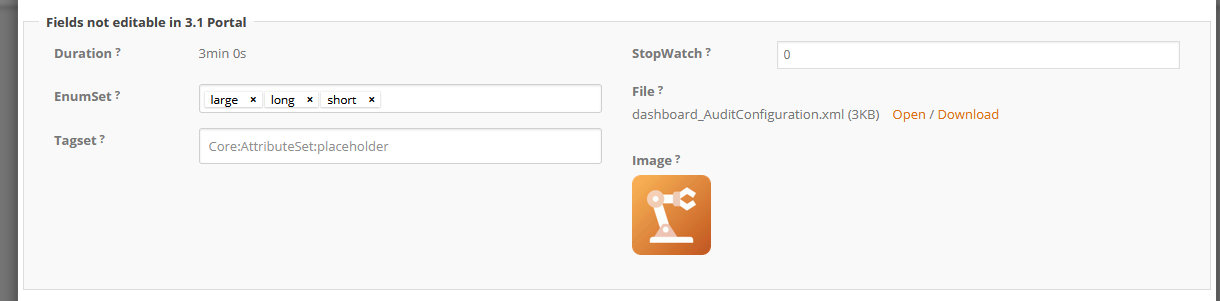
-
EnumSet and TagSet
-
File and Image
-
Duration
Object search
When searching an object from an attribute of type ExternalKey or LinkedSet, the filter doesn't work on attributes of type Date / DateTime / Duration / Deadline / HTML.
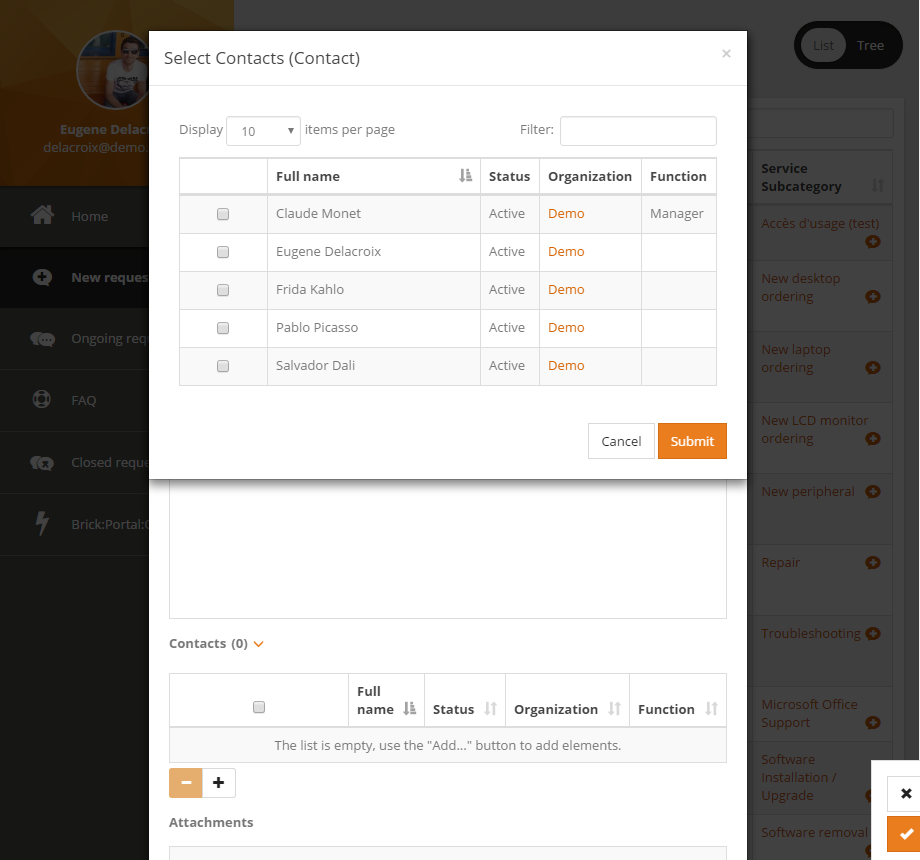
Below is a screenshot of the concerned search form :