
:: Version 3.3.0 ::
Changing main colors
Prerequisite: You must be familiar with the Syntax used in Tutorials and have already created an extension.
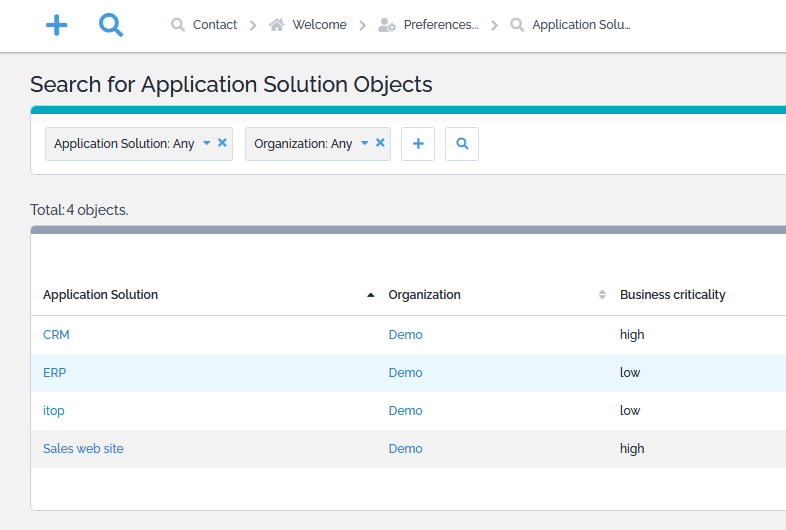
It is possible with the ITSM Designer (or an XML extension) to change the colors used to display the Buttons, search banner, line-over and hyperlinks in the iTop Console, to align it to your company color codes.
Standard colors
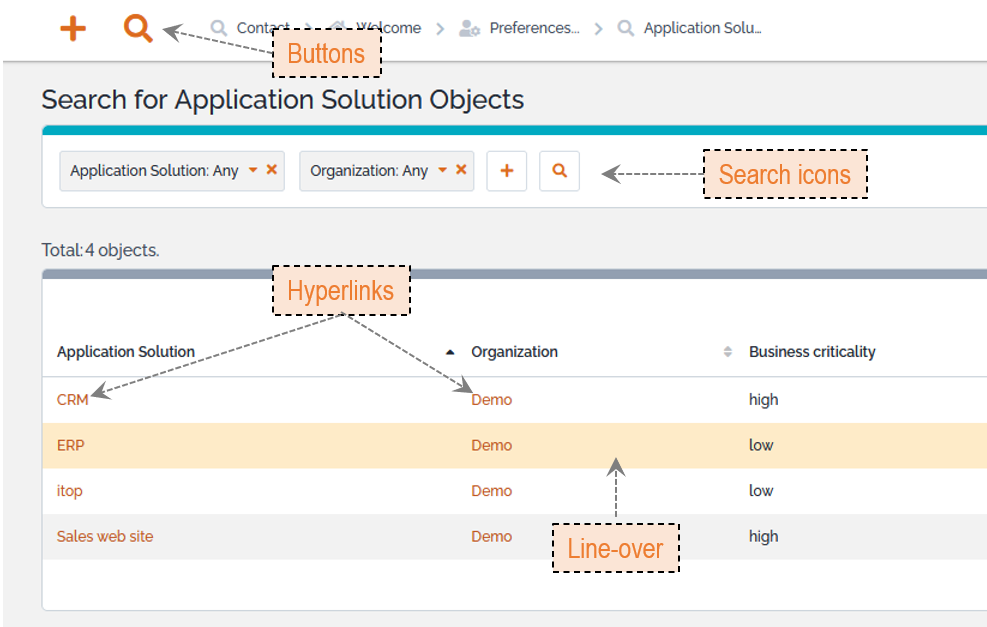
XML
Using an undeclared SCSS
variable as the value for another variable is deprecated. To ensure
compliance with Sass specifications, please use static values
(e.g., Hex codes) or variables that you defined beforehand.
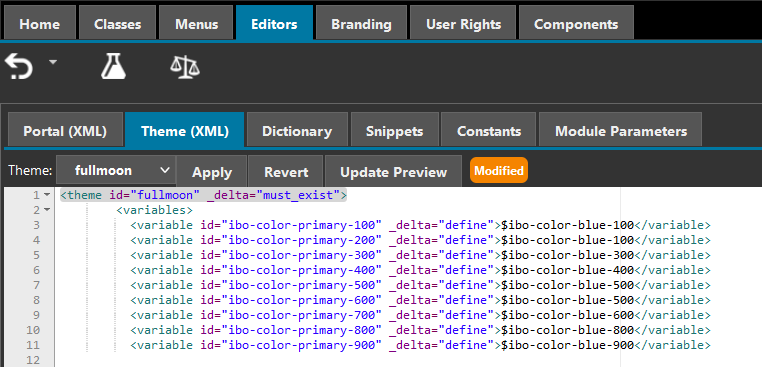
- itop_design / branding / themes / theme@fullmoon
-
       <variables>
          <variable id="ibo-color-primary-100" _delta="define">$ibo-color-blue-100</variable>
          <variable id="ibo-color-primary-200" _delta="define">$ibo-color-blue-100</variable>
          <variable id="ibo-color-primary-300" _delta="define">$ibo-color-blue-300</variable>
          <variable id="ibo-color-primary-400" _delta="define">$ibo-color-blue-400</variable>
          <variable id="ibo-color-primary-500" _delta="define">$ibo-color-blue-500</variable>
          <variable id="ibo-color-primary-600" _delta="define">$ibo-color-blue-500</variable>
          <variable id="ibo-color-primary-700" _delta="define">$ibo-color-blue-600</variable>
          <variable id="ibo-color-primary-800" _delta="define">$ibo-color-blue-800</variable>
          <variable id="ibo-color-primary-900" _delta="define">$ibo-color-blue-900</variable>
       </variables>
To paste in the ITSM Designer or within an extension
New colors
3_3_0/customization/change-main-color.txt · Last
modified: 2026/09/14 10:56 by 127.0.0.1